
What we commit to
- Verification results attach to the recovery point as evidence you can show.
- Non-payment suspends service. It never shortens existing immutability.
- No per-appliance license. The hardware is yours, in the region you choose.
Coming soon. A server dies at 4 PM on a Thursday. Your client asks how long. The answer is minutes, because that recovery point already booted in a test.
rp-2026-08-05T02:00:14Z-9f42c81a
Backup products report success. Few of them prove the image would start. You find out during the outage, with the client on the phone. You learn what you own in front of the person who trusted you with it.
Jobs that report green
A completed job proves data moved. Only verification proves the machine starts.
Hardware that locks you in
Per-appliance licensing and closed boxes turn a technical decision into a procurement negotiation.
Recovery you have never rehearsed
A restore test that needs a maintenance window never happens, so the runbook stays untested.
Everything that matters, protected
Windows and Linux, physical and virtual. Agent-based protection for machines, agentless for VMware and Hyper-V, and a universal image path where neither fits. We state every capability difference between those modes up front.
Boot-verified recovery points
Verification boots the point on the schedule you set, and attaches the result to it as evidence.
Instant local virtualization
Run a failed server on the appliance in minutes while you repair the original. Boot an isolated test copy any afternoon without touching production.
Immutable cloud vault and cloud DR
Off-site copies land in the region you choose with rolling immutability locks. The locks survive a compromised appliance, console, or administrator account. When the site itself is gone, recovered systems run in a secure cloud environment.
Clean points after an attack
Ransomware turns recovery into forensics. Find the last clean point and hold the suspect ones. Systems come back in staged waves, with the evidence trail your insurer will ask for.
Your hardware, your region, your margin
Open appliance hardware and regional storage choice, with no per-appliance license. Growth reprices through published volume bands.
Protection mode changes what recovery can do. This table states the differences, and the console repeats them on the resource itself.
| Protected system | Protection mode | Recovery available |
|---|---|---|
| Windows servers, physical | Agent-based |
|
| Windows desktop workloads | Agent-based |
|
| Linux servers, physical and virtual | Agent-based |
|
| VMware virtual machines | Agentless or agent-based |
|
| Hyper-V virtual machines | Agentless or agent-based |
|
| Systems without a supported agent path | Universal image path |
|
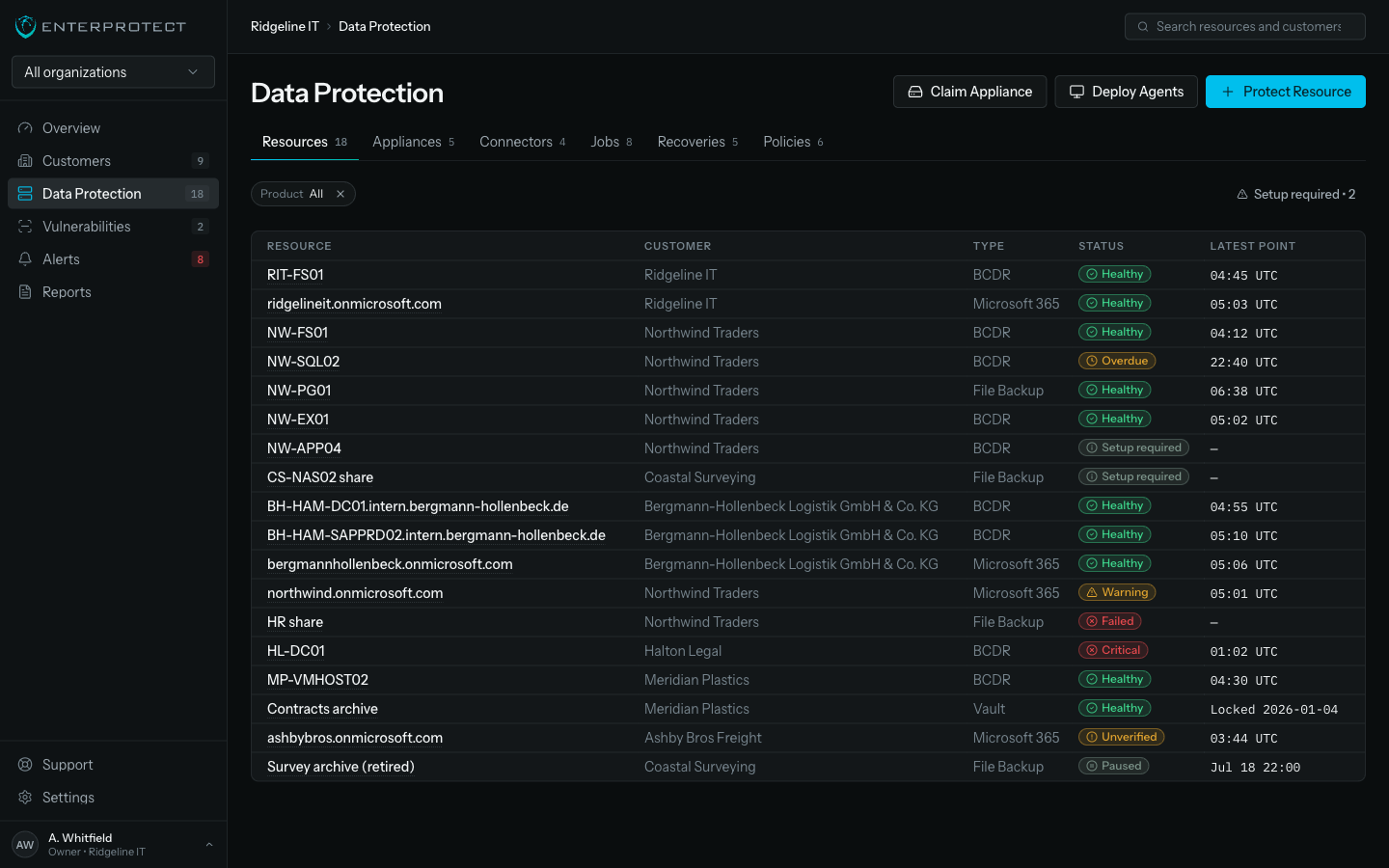
Protection state and health stay separate, so an exception stays visible in a fleet that is otherwise healthy.
| Recovery source | Recovery target | Typical use |
|---|---|---|
| Appliance local repository | Instant virtualization on the appliance | A failed server this afternoon |
| Appliance local repository | Bare metal, original or unlike hardware | Rebuilding the machine properly |
| EnterProtect cloud vault | Cloud disaster recovery environment | The site itself is unavailable |
| EnterProtect cloud vault | Back on premises | The site is back and you are returning home |
| Qualified NAS secondary repository | Local recovery | A second copy on your own storage |
| External rotation member | Independent recovery | An offline copy that leaves the building |
Rack the appliance and push the signed agent through your RMM. Enrollment takes a claim code.
Accept the recommended policy. Points capture locally, replicate off-site, and verify themselves on schedule.
Boot a test copy in isolation whenever you like. Hand the client the report. The runbook is one your team has already run.
An outage you recover from quietly becomes the reason a client renews. Rehearse it on a Tuesday and the real one is a morning you barely mention afterwards.
BCDR is coming soon. Tell us what you run and we will tell you when.